
Photo background removal
Background Eraser removes the background from any photo in one click, entirely on your Mac. When the AI detects several subjects, you choose exactly which ones to keep — then refine the edges and export a transparent PNG, copy it to the clipboard, save it to Photos, or drag it straight into another app. No uploads, no credits, no account.
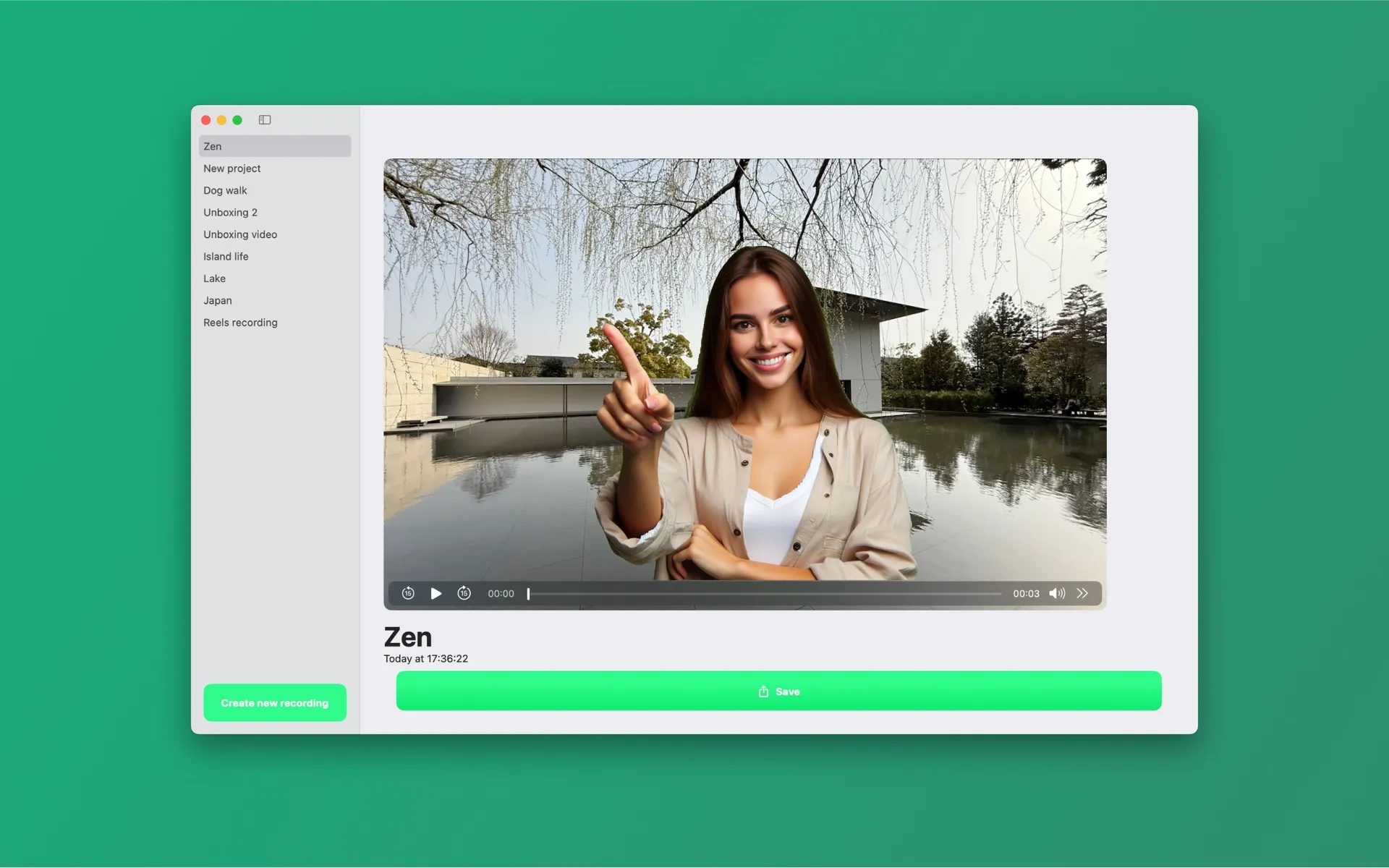
One click, any photo
Erase the background from any photo in one click. When several subjects are detected, choose exactly which ones to keep. Import from Photos, Files, or just drag a picture into the app.
You decide what stays
Group shot with three people and a dog? The app shows every detected subject as a selectable thumbnail — keep one, keep some, keep all.
Same edge controls as video
The feather, smoothing and tightness sliders from edge refinement work on photos too, so hair and fine edges survive the cutout.
Export anywhere
Export photos as transparent PNG, copy to the clipboard, save to Photos, or drag the cutout straight into another app. Transparent PNGs drop cleanly into Keynote, Figma, or a thumbnail editor.
Why on-device beats upload tools for photos
Web background removers charge per image or per month, downscale free results, and process your pictures on their servers. Background Eraser runs Apple's segmentation locally: original resolution, unlimited cutouts, photos that never leave your Mac — and the watermark-free Pro tier covers video and photos in one subscription.
Frequently asked questions
- Can Background Eraser remove the background from photos too?
- Yes. Since version 2.0 the app removes photo backgrounds in one click, lets you pick which detected subjects to keep, and exports a transparent PNG — or copy it, save it to Photos, or drag it straight into another app.
- Does it work on objects or pets, or only people?
- For video, Background Eraser detects people — it is built for talking-head videos, presentations and tutorials. For photos, the cutout detects the main subjects of the picture, and you choose which detected subjects to keep.
- Does Background Eraser upload my videos to a server?
- No. All background removal runs locally on your device, accelerated by your own hardware. Your photos and videos never leave your computer, the app needs no account, and it works offline.
- Is Background Eraser free?
- The app is free to download and every feature is usable for free. Videos and photos exported on the free plan carry a small watermark; a Pro subscription (weekly, monthly, or yearly via the App Store) removes it.
Cut out your first photo free
Free on the Mac App Store and the Microsoft Store, with a companion iPhone app. Every feature included — exports carry a small watermark until you go Pro.
Mac: macOS 15.4+ · Windows 10+ · iPhone: iOS 17+ · No account · Works offline