
AI video background removal
Background Eraser removes the background from videos of people using AI person segmentation that runs entirely on your Mac. It works two ways: live while you record with your camera, so you see the final result as you film — or on existing footage you import from Files or Photos.
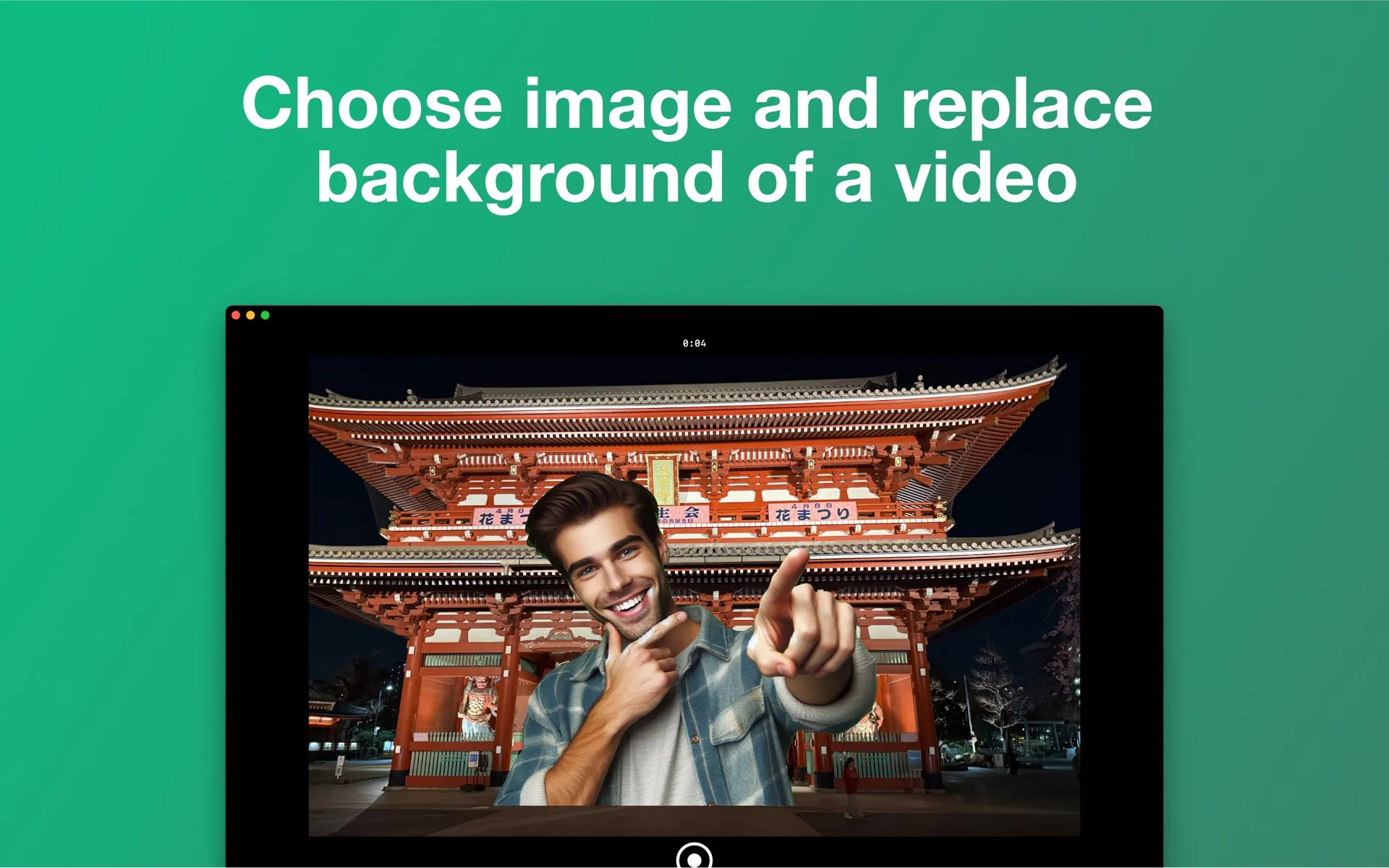
Live, while you record
Record with your camera while AI removes the background live — you see the final result as you film. No more recording blind and hoping the key works later — if it looks right in the preview, it looks right in the export.
Or on footage you already have
Import existing footage from Files or your Photos library and replace its background. Clips are normalized automatically on import, so portrait phone footage and odd rotations just work.
Three AI quality levels
Choose Fast for instant previews, Balanced for everyday recording, or Accurate for the cleanest possible edges on final exports.
Honest limits
Video works with people in frame (person segmentation). Photo cutouts detect the main subjects of any photo. For product shots or pet videos, a person needs to be the subject in frame.
Frequently asked questions
- Can I replace the background of an existing video, or only while recording?
- Both. You can record with your camera and watch the background get replaced live, or import an existing clip from Files or your Photos library and replace its background afterwards.
- Does it work on objects or pets, or only people?
- For video, Background Eraser detects people — it is built for talking-head videos, presentations and tutorials. For photos, the cutout detects the main subjects of the picture, and you choose which detected subjects to keep.
- Does Background Eraser upload my videos to a server?
- No. All background removal runs locally on your device, accelerated by your own hardware. Your photos and videos never leave your computer, the app needs no account, and it works offline.
- What formats can I export?
- Videos export as MP4 (H.264) at full, 1080p, 720p or 540p resolution, with canvas presets for vertical 9:16, square 1:1, 16:9 and other social formats. Photo cutouts export as PNG, including transparent PNG.
Try Background Eraser free
Free on the Mac App Store and the Microsoft Store, with a companion iPhone app. Every feature included — exports carry a small watermark until you go Pro.
Mac: macOS 15.4+ · Windows 10+ · iPhone: iOS 17+ · No account · Works offline