
A green screen, without the green screen
A virtual green screen uses AI to separate you from your background instead of keying out a colored backdrop. Background Eraser gives you green-screen results against any ordinary wall — no fabric, no frame, no even lighting requirements, and no green spill on your hair and glasses.
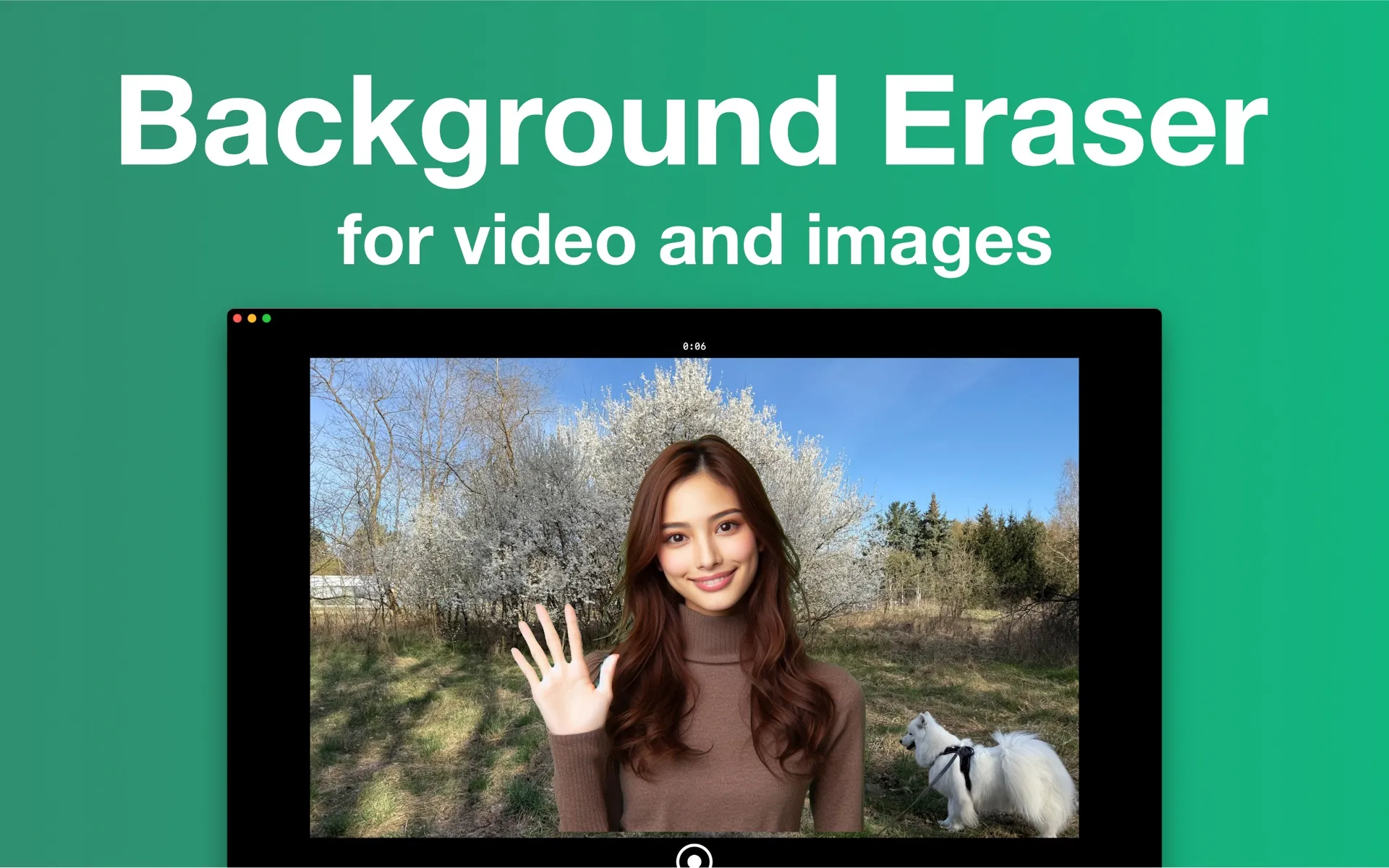
Virtual green screen vs. chroma key
| Background Eraser (AI) | Chroma key (physical green screen) | |
|---|---|---|
| Equipment | None — any wall or room | Green backdrop, stand, ideally 2+ lights |
| Lighting | Normal room light works | Must be even; shadows ruin the key |
| Color restrictions | Wear anything, including green | No green clothing or props |
| Setup time | Open the app and record | Mount, stretch, light, test |
| Best for | Creators, tutorials, talking-head video | Studio productions with controlled sets |
Need actual green for another tool? There's a preset for that.
One of the 8 background presets is a flat chroma green. Record with it and you get perfectly keyable footage for OBS, Final Cut Pro, Premiere or DaVinci Resolve — a clean digital green screen with none of the lighting problems of fabric.
Frequently asked questions
- Do I need a green screen to use Background Eraser?
- No. Background Eraser uses on-device AI to separate you from the background, so it works against any normal wall or room. A physical green screen is never required.
- Is this the same as chroma key?
- No. Chroma key removes a specific color (usually a physical green screen) and needs even lighting. Background Eraser uses AI person segmentation, so it removes whatever is behind you — no colored backdrop or special lighting setup required.
- What are the system requirements?
- Background Eraser for Mac requires macOS 15.4 (Sequoia) or later. The iPhone version requires iOS 17 or later. No internet connection is needed for processing.
Skip the backdrop. Keep the result.
Free on the Mac App Store and the Microsoft Store, with a companion iPhone app. Every feature included — exports carry a small watermark until you go Pro.
Mac: macOS 15.4+ · Windows 10+ · iPhone: iOS 17+ · No account · Works offline